WhatsApp OTP Not Coming Problem Solution (2025)
Updated on: October 22, 2025
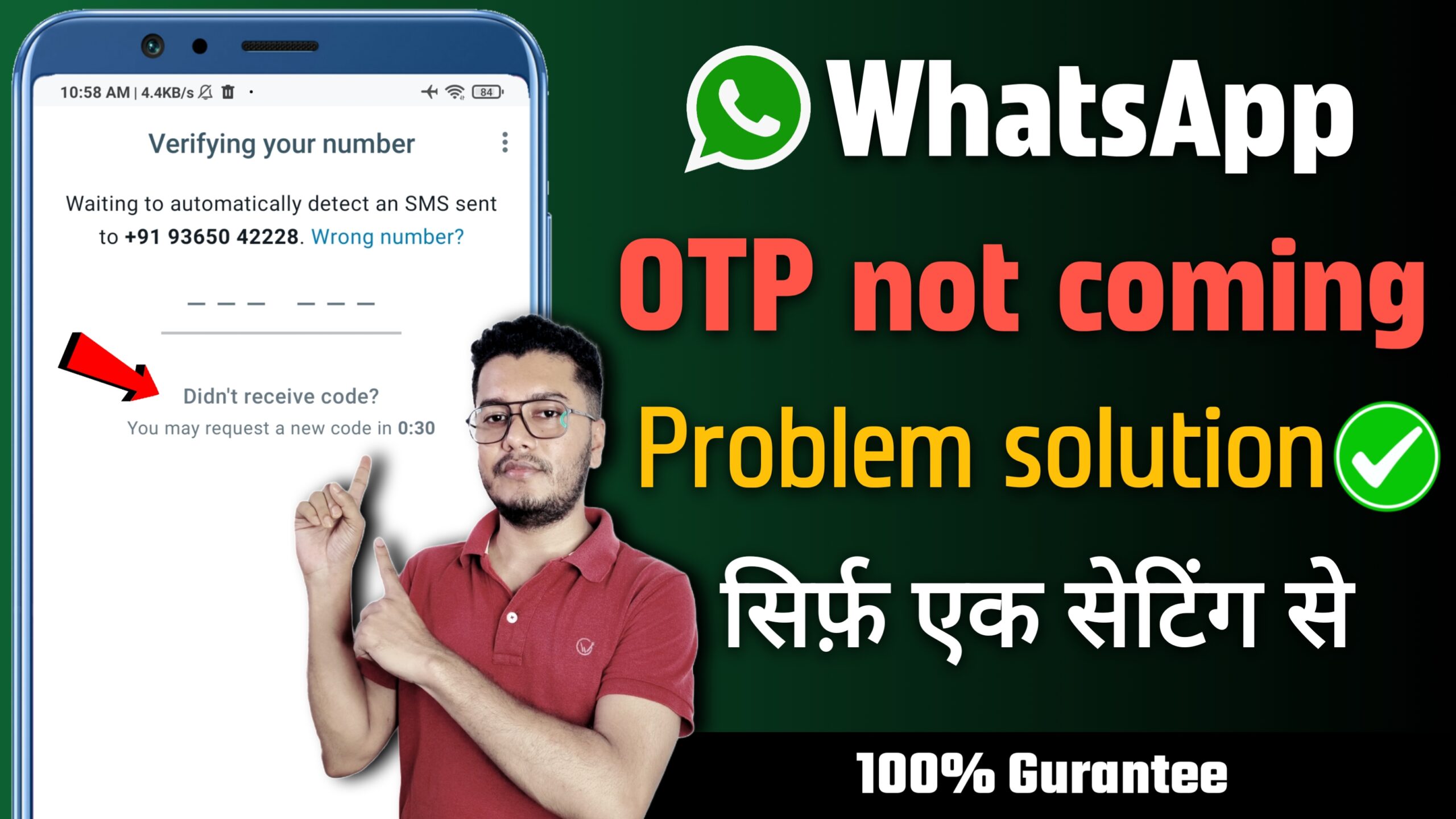
If your WhatsApp OTP (One Time Password) is not coming via SMS or call, don’t panic. It’s a common issue and can be easily fixed with these steps. Follow this guide to solve the WhatsApp verification code not received problem and verify your account quickly.
Common Reasons WhatsApp OTP Is Not Coming
- Wrong number or country code entered
- Poor mobile network signal
- Inactive SIM or SMS service disabled
- Spam/SMS blocker apps filtering messages
- Temporary WhatsApp or carrier issue
Fix WhatsApp OTP Not Received — Step-by-Step
1. Check Number Format
Use correct format like +91 98765 43210. Missing country code can prevent OTPs.
2. Restart Your Phone
Restarting helps reconnect your SIM to the network.
3. Try “Call Me” Option
If SMS doesn’t come, tap “Call me” on WhatsApp’s verification screen. You’ll get a call that reads the code.
4. Disable SMS Blockers
Turn off spam filter or SMS blocking apps like Truecaller temporarily.
5. Verify SIM Activity
Ensure your SIM can receive normal SMS. Try it in another phone to check.
6. Update or Reinstall WhatsApp
Download the latest version from Play Store or App Store. Backup chats before reinstalling.
7. Wait and Retry
If all fails, wait 10–15 minutes and retry — sometimes the issue is temporary.
Extra Tips
- Keep Airplane Mode off
- Ensure your mobile plan supports SMS
- Use the same SIM in the phone with WhatsApp installed
- Try switching between Wi-Fi and mobile data